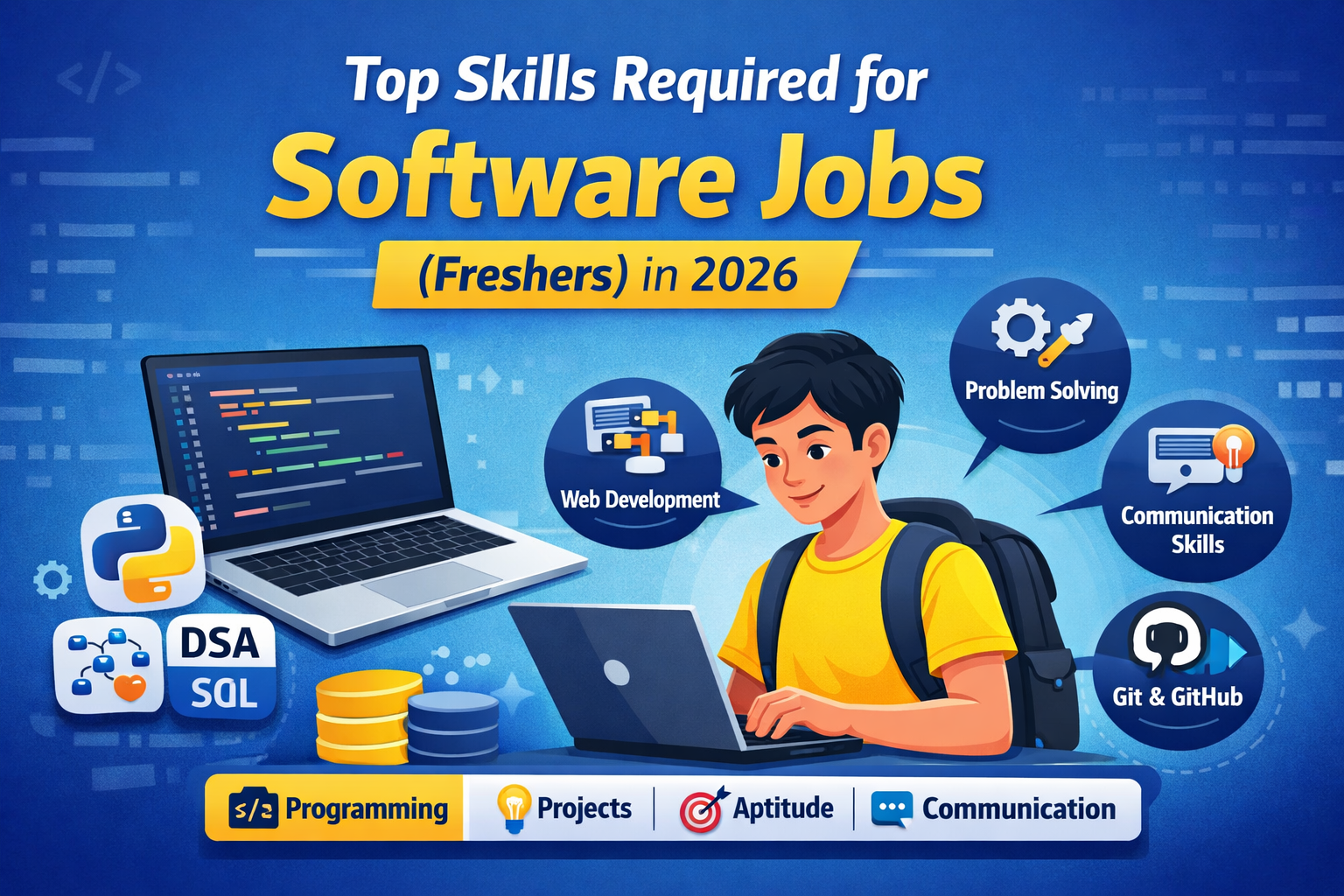
System design interviews test how you turn an open-ended problem into a practical technical architecture. The goal is not to guess one perfect diagram. A strong answer shows that you can clarify requirements, estimate scale, choose components for a reason, explain trade-offs, and think about reliability.
When Freshers Actually Need System Design
Many entry-level interviews focus more heavily on programming, data structures, databases, operating systems, networking, and projects. System design becomes more important for backend, platform, infrastructure, and experienced software roles. Freshers can still benefit from learning the basics because it improves project explanations and architectural thinking.
1. Clarify the Requirements First
Before drawing components, ask what the system must do. Separate functional requirements from non-functional requirements.
- Who are the users?
- What are the core actions?
- What scale should we design for?
- Is the workload read-heavy or write-heavy?
- How important are latency, availability, and consistency?
- Are there security, privacy, or geographic constraints?
2. Estimate Only What Helps the Design
You do not need perfect arithmetic. Estimate enough to justify architectural choices. Useful estimates can include daily active users, requests per second, peak traffic, storage growth, read/write ratio, and bandwidth.
For example, if a service receives very few writes but millions of reads, caching and content delivery may matter more than complex write scaling.
3. Draw the High-Level Architecture
A simple first version might include:
- client applications;
- load balancer or API gateway;
- application services;
- database;
- cache;
- object storage;
- message queue where asynchronous work is useful;
- CDN for static or media-heavy content.
Start simple. Add components only when a requirement or bottleneck justifies them.
4. Choose the Data Model Deliberately
Explain what data must be stored and how it will be queried. SQL can be a good fit when relationships, transactions, and consistency are central. NoSQL systems can be useful when access patterns, scale, or flexible schemas justify them. The important part is explaining the trade-off rather than saying one database is always better.
5. Think About Caching
Caching can reduce latency and database load, but it introduces invalidation and consistency questions. Be ready to explain:
- what should be cached;
- where the cache sits;
- how long entries live;
- what happens after an update;
- what happens when the cache fails.
6. Use Queues for Work That Does Not Need to Block the User
Queues are useful for emails, notifications, image processing, analytics events, and other background jobs. Explain retry behavior, duplicate handling, failure queues, and whether processing must be exactly-once or can be at-least-once.
7. Design for Failure
Real systems fail. A stronger interview answer discusses:
- replication and failover;
- timeouts and retries;
- idempotency;
- rate limiting;
- graceful degradation;
- backup and recovery;
- monitoring and alerting.
8. Explain Consistency Trade-Offs
Some systems can tolerate slightly stale data; others cannot. A social feed may accept eventual consistency in places, while payment or inventory operations often require stronger guarantees. Tie your choice to the product requirement.
9. Define APIs and Important Data Flows
Describe a few core endpoints or events, not every possible method. Show what happens from the user’s action through the API, service, storage, cache, and asynchronous components.
10. Add Observability
Useful signals include request latency, error rate, throughput, database load, cache hit rate, queue depth, CPU/memory usage, and business-level metrics. Mention logs, metrics, traces, dashboards, and alerts when relevant.
A Repeatable Interview Structure
- Clarify requirements.
- Estimate scale.
- Define APIs and data.
- Draw the high-level design.
- Deep-dive into the most important components.
- Discuss bottlenecks and trade-offs.
- Cover reliability, security, and observability.
- Summarize what you would improve at larger scale.
Good Practice Problems
- URL shortener
- notification service
- rate limiter
- chat application
- file storage service
- social feed
- search autocomplete
- video streaming service
- e-commerce checkout
Common Mistakes
- jumping into microservices before clarifying the problem;
- adding technologies only to sound advanced;
- ignoring failure modes;
- not explaining why a database or cache was chosen;
- over-optimizing for scale the problem does not require;
- forgetting security and observability;
- treating the diagram as more important than the reasoning.
How Freshers Can Prepare
Start by understanding HTTP, databases, caching, queues, load balancing, replication, CDNs, basic networking, and common scalability patterns. Then practise explaining one architecture aloud. Your goal is to make your reasoning clear enough that another engineer can challenge your assumptions.
Related Hiring365 Guides
- GitHub Profile Tips for Freshers
- Top Skills Freshers Need for Software Jobs
- Browse Latest Verified Jobs
A good system design answer is a conversation about requirements and trade-offs. If you can explain why each major component exists, what can fail, and how the design changes as scale grows, you are already practising the right skill.